
Word
Draft documents
Speak the first draft of a proposal or report with the document open.
Dictation in Word (German)fluesta for Windows
Write emails, documents and notes by speaking. Hold a hotkey. Release it and fluesta inserts corrected text at your cursor.
Dictate into the active text field across Windows. If an app blocks automatic insertion, paste your text from the clipboard.
Word
Speak the first draft of a proposal or report with the document open.
Dictation in Word (German)
Outlook
Dictate a response into an email draft. You decide when to send it.
Dictate emails in Outlook
Microsoft Teams
Dictate a quick recap into the message field after a call, then review it before sending.
Also in your browser and other apps
 Gmail
 Slack
 Notion
 Salesforce
Place the cursor in the document, email or note you’re working on.
Hold Ctrl + Win and speak. Releasing the keys ends the recording.
With AI correction enabled, fluesta cleans up filler words and punctuation. Your glossary helps with names and specialist terms.
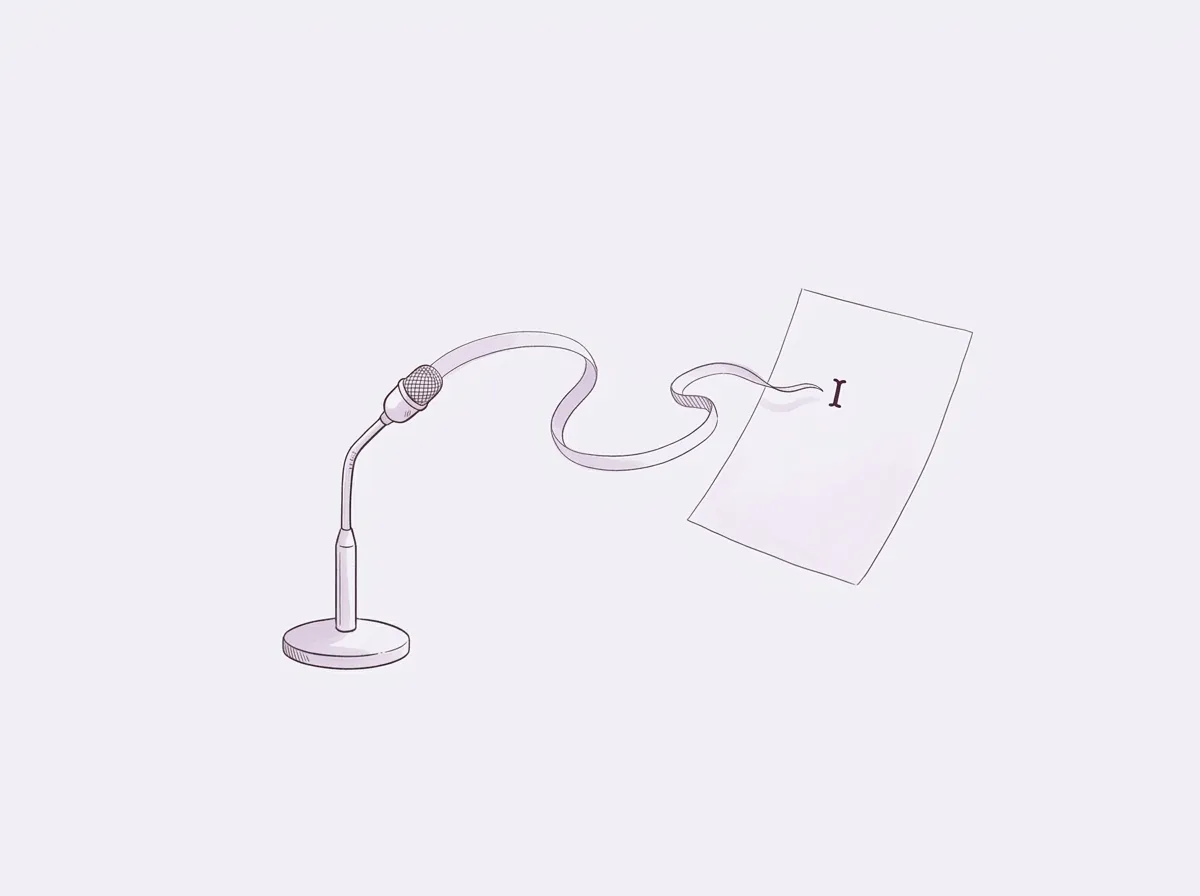
Try speech to text without an account. The Windows app can then insert your dictation right into your active text field.
Tap the microphone, speak, then stop the recording.
0 words0 characters
Audio and transcripts are encrypted in transit and processed exclusively on servers in Europe.
Securely hosted in Europe
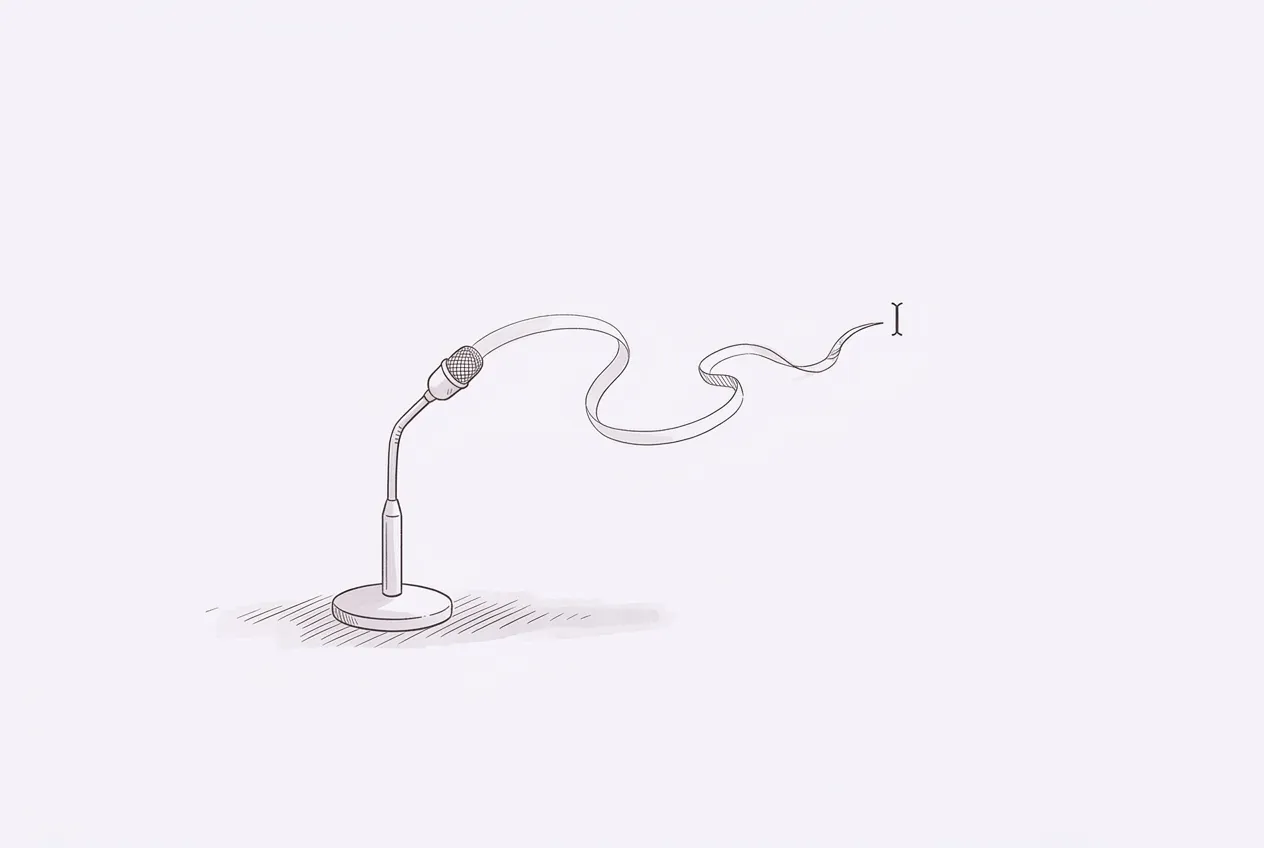
Hold Ctrl + Win to dictate into the active field, with AI correction, a glossary and processing in Europe.
Set up your glossary
Press Win + H to open the built-in dictation toolbar. Microsoft processes speech online.
Set up Windows voice typing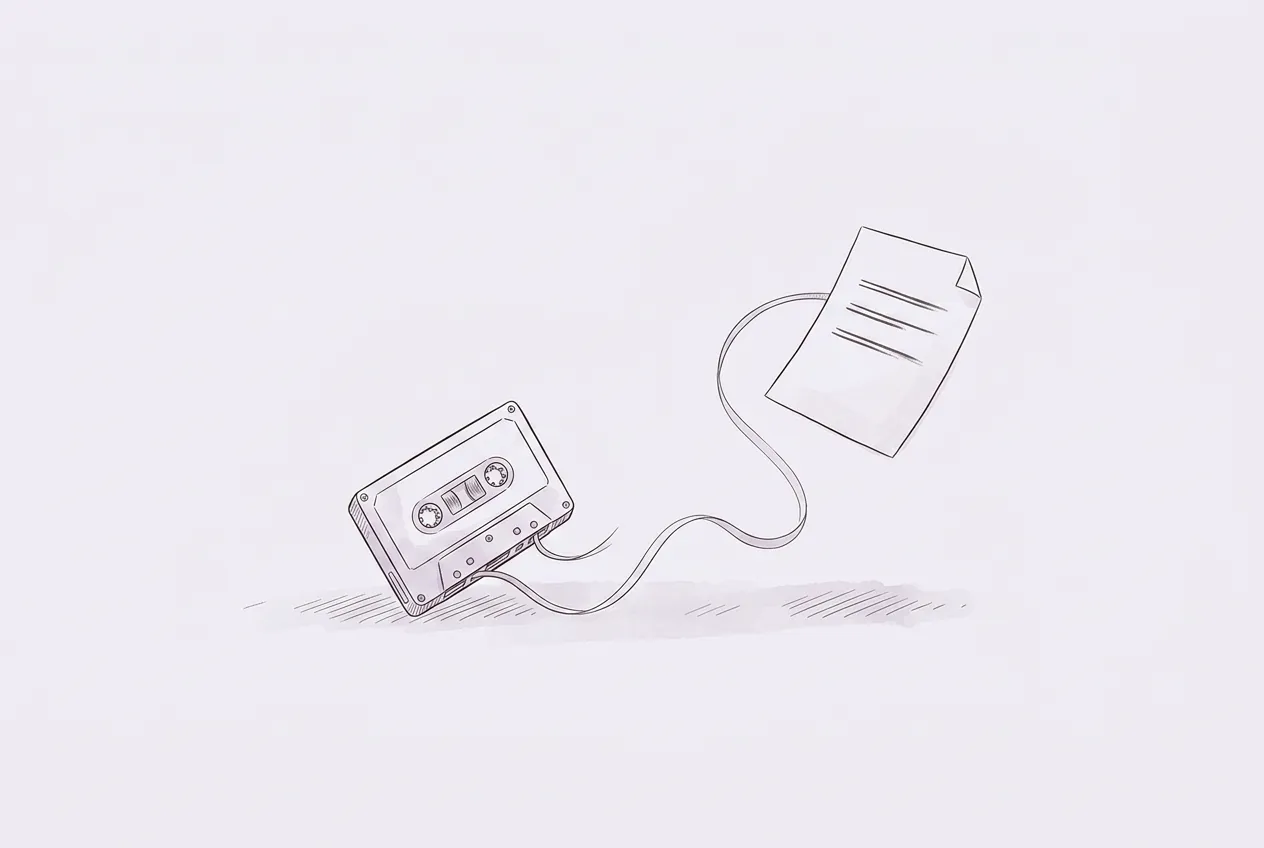
Transcribe saved audio files on your PC. Once the model is downloaded, it works offline.
Install Whisper on WindowsYes. Put your cursor in a regular editable text field. If an app blocks automatic insertion, you can paste the text from the clipboard.
fluesta processes live dictation over an internet connection in Europe. For local transcription of existing audio files, see the separate Whisper guide.
Install Whisper on WindowsThe installation guide links to the current installer and explains prompts from Edge or Windows SmartScreen.
Windows download and installation